AI Toolsworkspace
AI Wallpaper Maker
Turn your ideas into custom wallpaper art. Describe a moody cyberpunk city, misty mountain lake, or anime sunset and generate 4K backgrounds.
Studio Controls
1:1 Square
Unfiltered
Image Generation Studio
Fast generation • 20 credits per artwork
Prompt examples
Click any example below to immediately load prompts, aspect ratios, and lighting styles.

Sci-Fi / Cinematic
Cyberpunk Neo-Tokyo
16:9 Cinema“Sleek chrome cybernetic runner standing on a rain-drenched rooftop in Neo-Tokyo, holographic neon reflections, volumetric mist, cinematic wide angle, 8k”
Fantasy / Nature
Bioluminescent Forest
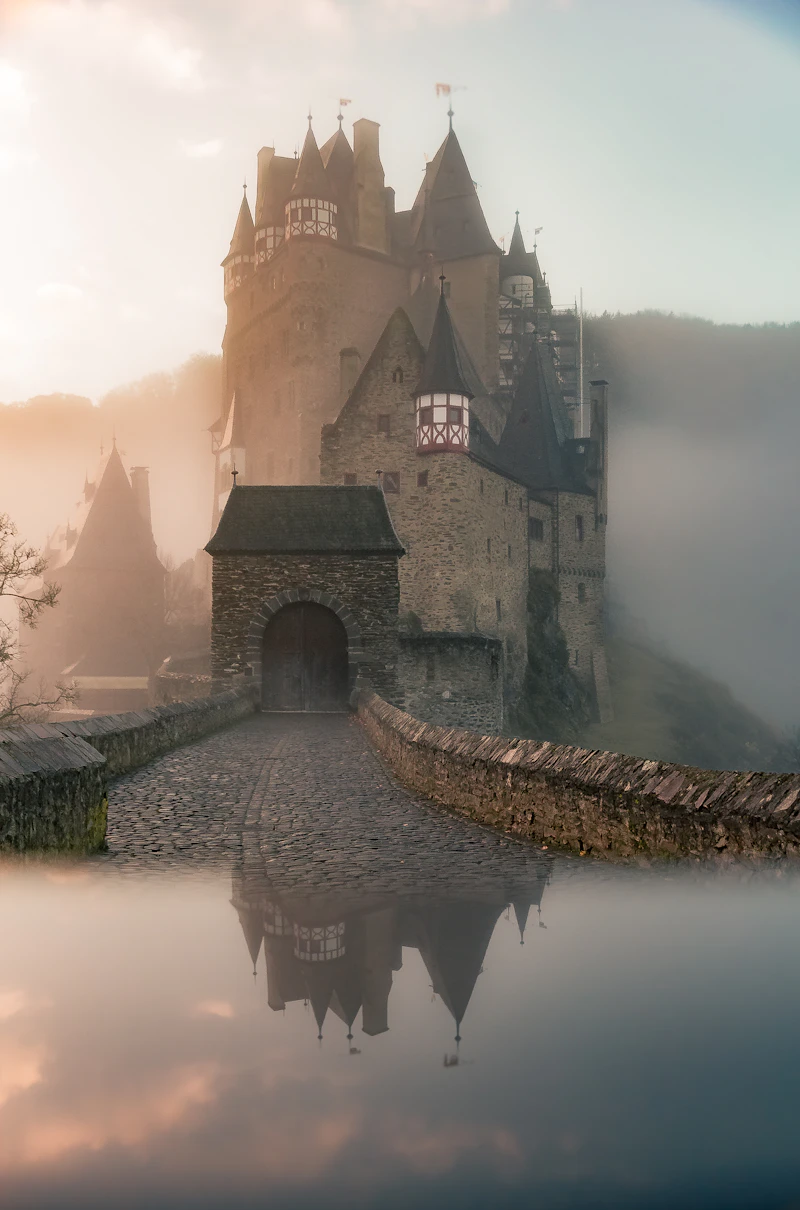
1:1 Square“An ancient glowing tree with bioluminescent crystal petals, soft floating orbs, misty twilight river, studio quality fantasy landscape, rich atmosphere”

Photorealistic / Lens
Alpine Wildlife Vista
4:3 Classic“Cinematic atmospheric mountain vista with pristine snowy ridges, golden dawn rim light, crisp 85mm lens depth of field, photorealistic raw landscape”

Concept Art / 3D
Dimensional Fluid Art
16:9 Cinema“Fluid dynamic acrylic waves swirling in mid-air, floating holographic bubbles, smooth vibrant gradient ribbons, clean studio lighting, 3d render”
Guide & Overview
Instructions & tips
About AI Wallpaper Maker
Create an image from a written description. Describe the subject and composition, choose an image style and dimensions, and send the request to the online image generator. Review the result and download a PNG. Generation uses credits and the account access shown in the workspace.
Image prompt
Describe the scene, objects, lighting, and composition.
Style presets
Apply the available visual styles to your prompt.
Image dimensions
Choose a square, portrait, or landscape size from the workspace.
PNG export
Review generated artwork and save a picture.
How to Use AI Wallpaper Maker
Fast and easy from start to finish
01
Step 1Step 1
Type a description of the scene you want to see.
02
Step 2Step 2
Select your aspect ratio (9:16 for phone or 16:9 for desktop).
03
Step 3Step 3
Click generate and save your high-resolution wallpaper.
Why Choose Exismic AI Wallpaper Maker?
What you can do with this tool
Image prompt: Describe the scene, objects, lighting, and composition.
Style presets: Apply the available visual styles to your prompt.
Image dimensions: Choose a square, portrait, or landscape size from the workspace.
PNG export: Review generated artwork and save a picture.
Examples to Try
Everyday walkthroughs and starter ideas for AI Wallpaper Maker
01
Describe a quiet reading room with warm window light, then choose a landscape size.
Things to Know
File requirements, capabilities, and system limits
Generation requires an online service and available credits. Access and export benefits depend on the account.
Results are generated pictures, with no guarantee of exact text, factual accuracy, or exclusive rights.
Key Concepts & Terminology
Helpful definitions of features and parameters
Aspect ratio
The relationship between a picture's width and height, such as square or widescreen.
Popular Real-World Use Cases
How creators, students, and professionals use AI Wallpaper Maker
Explore a visual concept for a project.
Create a background or illustration from a description.
Frequently Asked Questions (FAQ)
Answers to common questions about AI Wallpaper Maker
Yes, generated images export in crisp high-resolution suitable for large monitors.
Yes, vertical 9:16 mode produces perfect lock-screen dimensions.
Explore More AI Tools
Popular companion tools to edit and enhance your projects
Recommended Next Steps
Explore Companion Tools
More tools in this category to help you complete your task faster.
AI Writer
Beat writer's block instantly. Draft creative blog posts, persuasive emails, video scripts, and marketing copy with an assistant that matches your tone.
AI Chat
Brainstorm new project ideas, break down complicated topics into simple steps, and get instant answers from a friendly, knowledgeable creative partner.
AI Logo Generator
Create distinctive, modern logo concepts for your new brand, YouTube channel, or side project in seconds with customized colors and visual styles.